AI-Assisted PCB Design: CopperPilot vs. Codex
This weekend I decided to try and put together a prototype PCB design for an idea I had: a battery-powered, MSP430-controlled RGB LED board. Super simple, nothing complex. It could make for some nice fridge (or otherwise) magnets.
CopperPilot (copperpilot.ai) has been on my radar for a hot second, so I decided to download it and fire it up. After giving it my requirements and idea, I let it rip for 30 minutes. After seeing it repeatedly open up KiCad with nothing else going on, one thing was clear: the user feedback was not like using a conventional CLI coding agent tool.
Putting aside CopperPilot for a second, I decided to just see if I could get Codex to do what I wanted it to do, and it informed me that KiCad didn’t have its API enabled in the settings (duh, but CopperPilot said literally nothing). After enabling that, it went ahead and got to work. The results are pretty okay, I think. The board size is a bit large, but that means it’s an easier job for the autorouter.
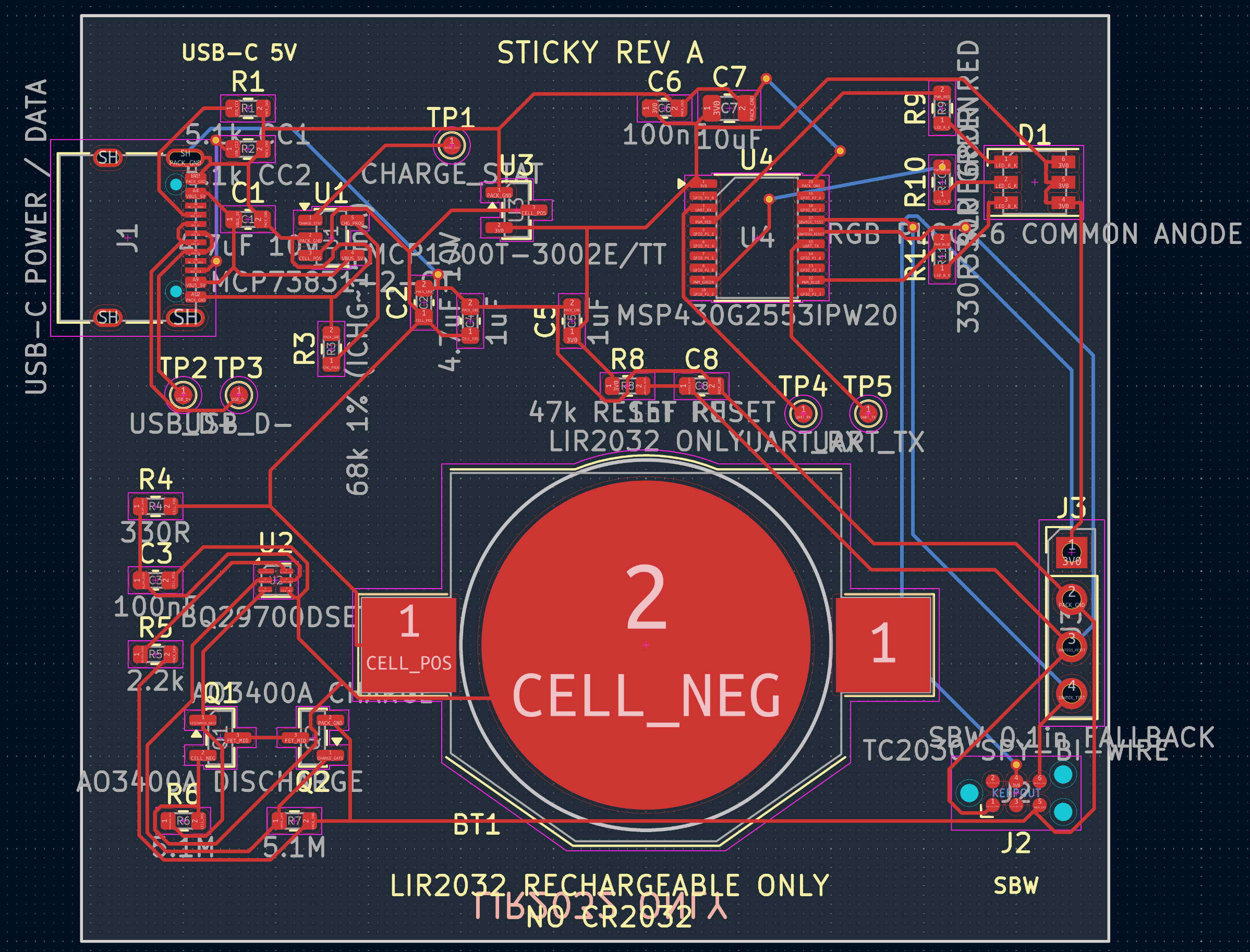
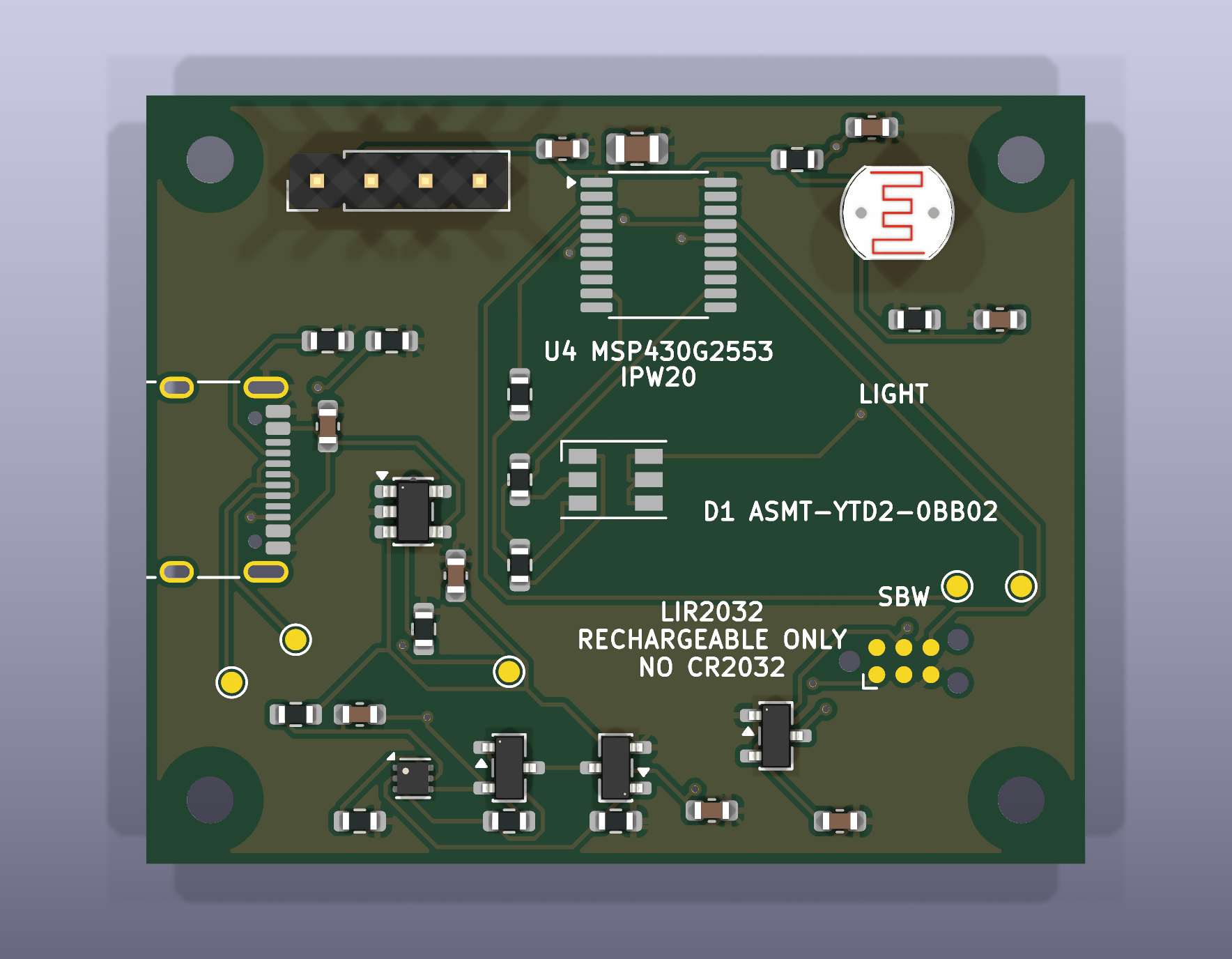
Everything is there: programming interface, USB-C, coin cell, MSP430, etc. It looks clunky, but functional.
After fixing the API issue with KiCad, I decided to give CopperPilot another shot. One thing I noticed is simply that it feels slow, and I think this has less to do with it actually being slow and more to do with feedback. Codex tells me what it’s running, when stuff completes, when it moves on to the next thought or action, and so on. The interface on CopperPilot is lacking in this regard.
In fact, when given the monumental task of one-shotting this PCB design, it only stopped to ask for my feedback once. Probably not a good user experience when something appears wrong or a user would appreciate a status update.
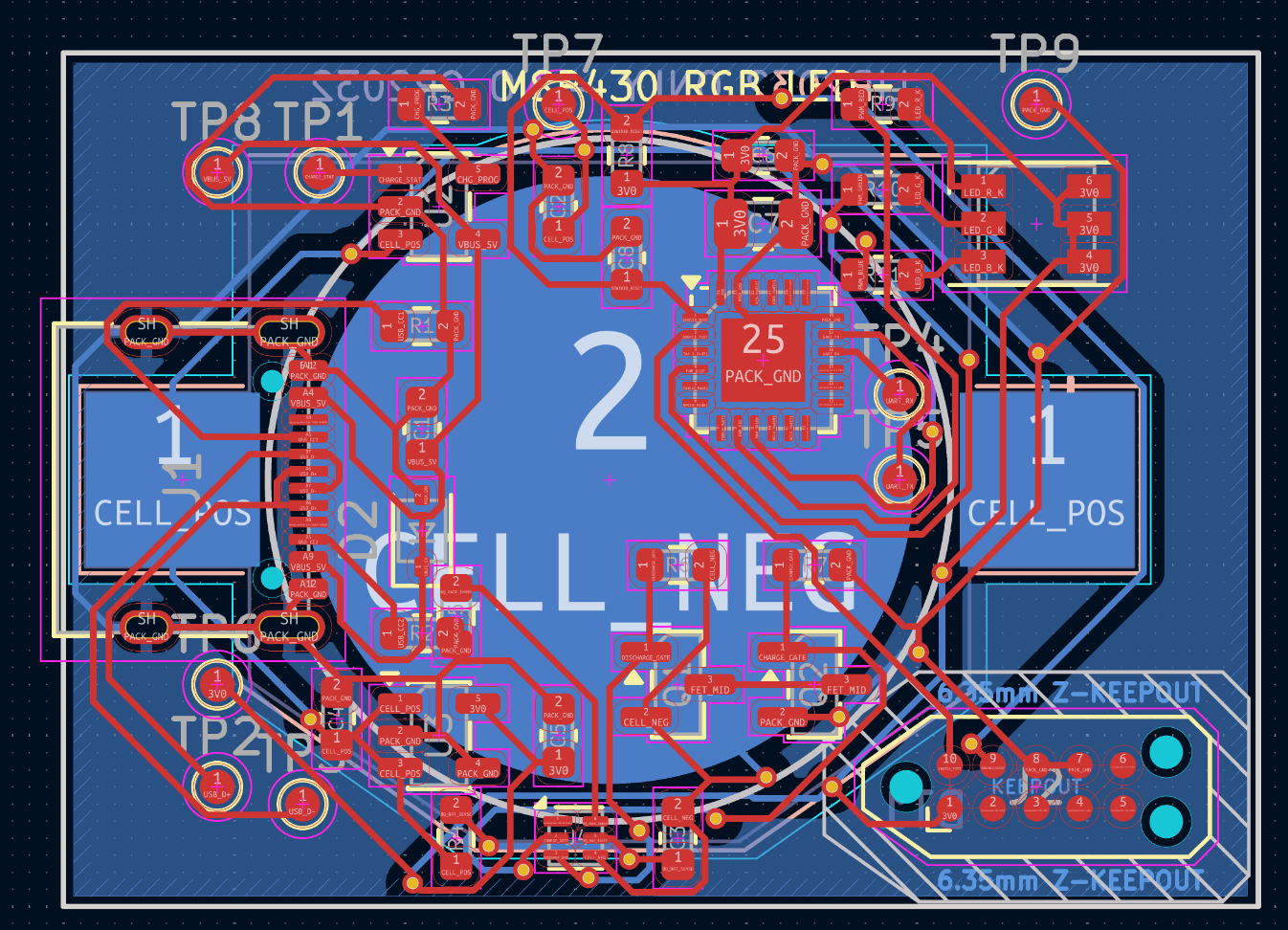
The PCB output by CopperPilot was much more compact, and this seemed cool, but there were a couple of practical problems: the autorouter kept failing due to lack of space, and there was a component whose footprint was falling off the board. And this wasn’t just a silkscreen issue; we’re talking about mechanical mating portions of the component just off the side of the board for the programming pins. Not ideal.
When I went to provide this feedback, I discovered that I wasn’t able to queue messages with the CopperPilot agent. I had to wait until it was completely done to send a new message or otherwise stop it dead in its tracks. Not great.
Oh well, it did have a more compact layout that was at least more aesthetically pleasing:
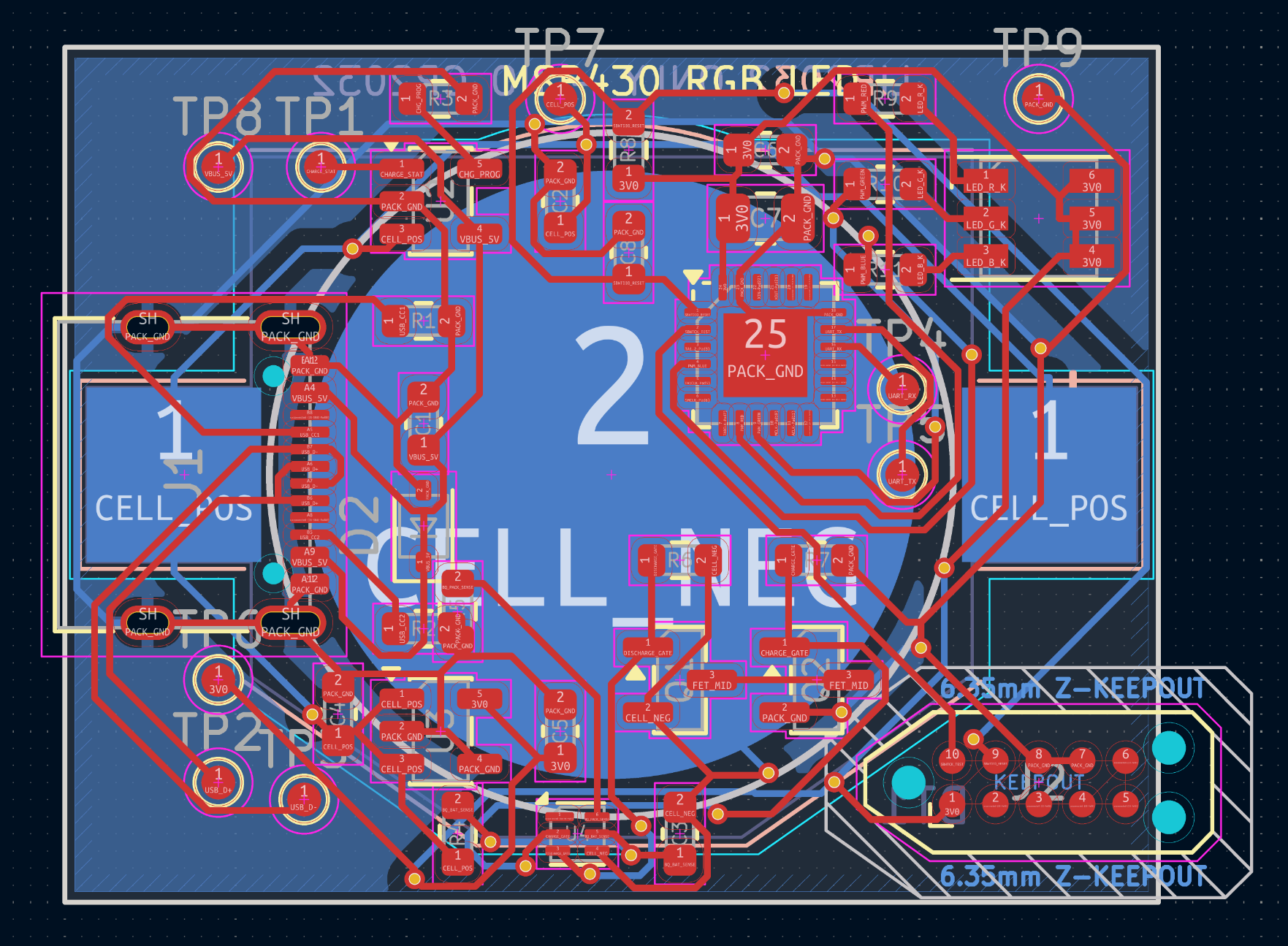
Function is more important than aesthetics in these matters.
After a little more prompting and a few more Enter key presses, we finally got somewhere.
My overall take is this:
It’s great how far we’ve come in automating tasks that took me a while to get a basic grasp on. Back in the day, I would watch tutorials on EagleCAD and design my own component footprints based on datasheets. Now I express an idea, get an implementation.md, and pass it off to an agent to build the prototype.
This makes prototyping for all sorts of use cases truly accessible, or at least less work. It may still be necessary to have a basic understanding of electronics to be able to check the work of these tools.
I imagine back in 2016, when I was doing work on interactive installations and had to learn everything on my own. This would have made putting together something like an MSP430-controlled audio recorder much easier.
Cool tech, and I think artists and designers out there should be very excited to be able to take a basic electronics class and then design somewhat complex electronics for their interactive projects with this kind of speed.
Do I think CopperPilot differentiates itself from Codex CLI to separate me from my cash? Not for what I’m doing, and I imagine the GPT wrappers will fall the way of the Apple apps soon. If I were working on something more complex requiring high-speed signals and multilayer boards, and wanted to perform electrical simulations to inform my designs automatically, it might fit more into my toolbox. But insofar as it takes 30 minutes to update the silkscreen for a few components, probably not.
Anyways, here’s the final design I went with that Codex built:
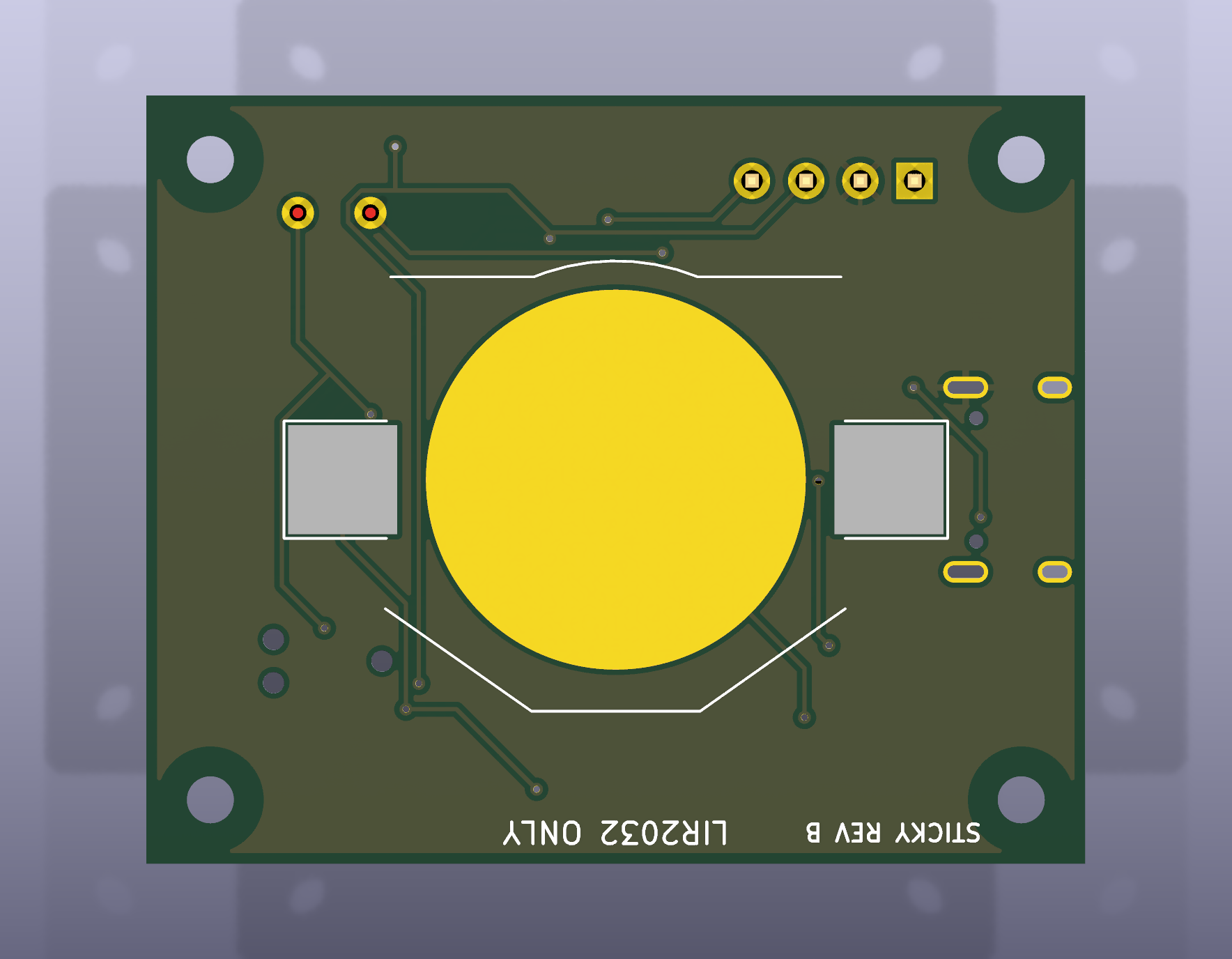
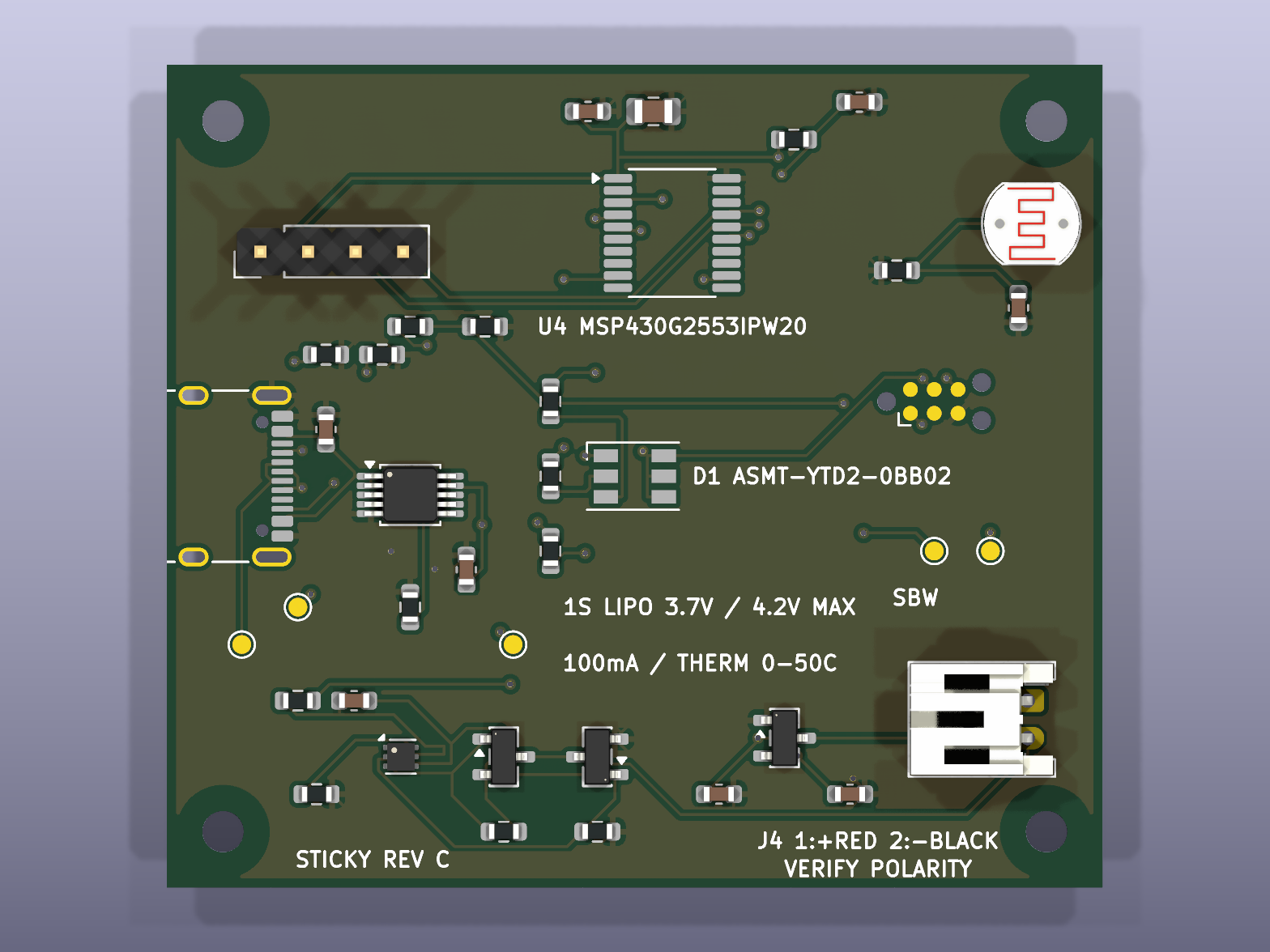
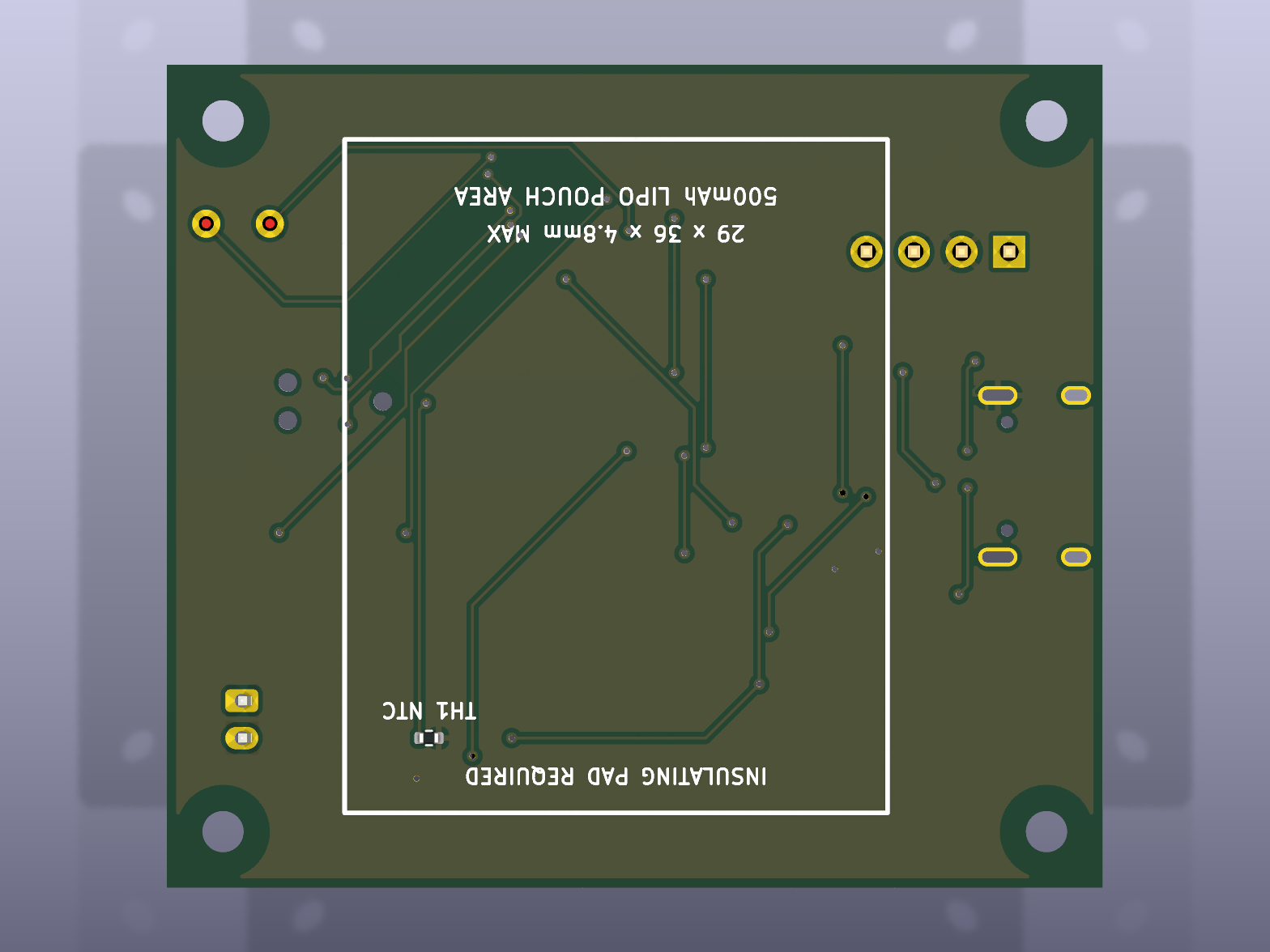
And a revision that fits a 500 mAh lithium battery pack with a charging thermistor: